
Today's modern USB microphones deliver audio fidelity that rivals studio gear from a decade ago. But audio forums are filled with purists insisting that 'real audio only happens over balanced 3-pin XLR cables.' So when is upgrading to an XLR audio interface actually justified?
The Convenience and Power of Modern USB Microphones
USB microphones package three vital electronic stages into one chassis: the microphone capsule, an analog preamplifier, and an analog-to-digital converter (ADC). Premium modern USB mics (like the Elgato Wave:3 or Shure MV7+) feature onboard 24-bit/96kHz ADCs, built-in analog limiters, and real-time DSP noise gating.
For solo creators, remote executives, and streamers who want zero clutter, plug-and-play simplicity is unbeatable.
When XLR Becomes Essential
- Multi-Person Recording: Operating multiple USB microphones on a single PC causes operating system driver conflicts and clock jitter. An XLR audio interface (like the Focusrite Scarlett 2i2) handles multiple microphones with unified sample-accurate sync.
- Component Modularity: If your USB mic breaks, the entire unit is e-waste. With an XLR ecosystem, your preamp, cables, interface, and microphone capsule are independent components that can be upgraded or repaired individually.
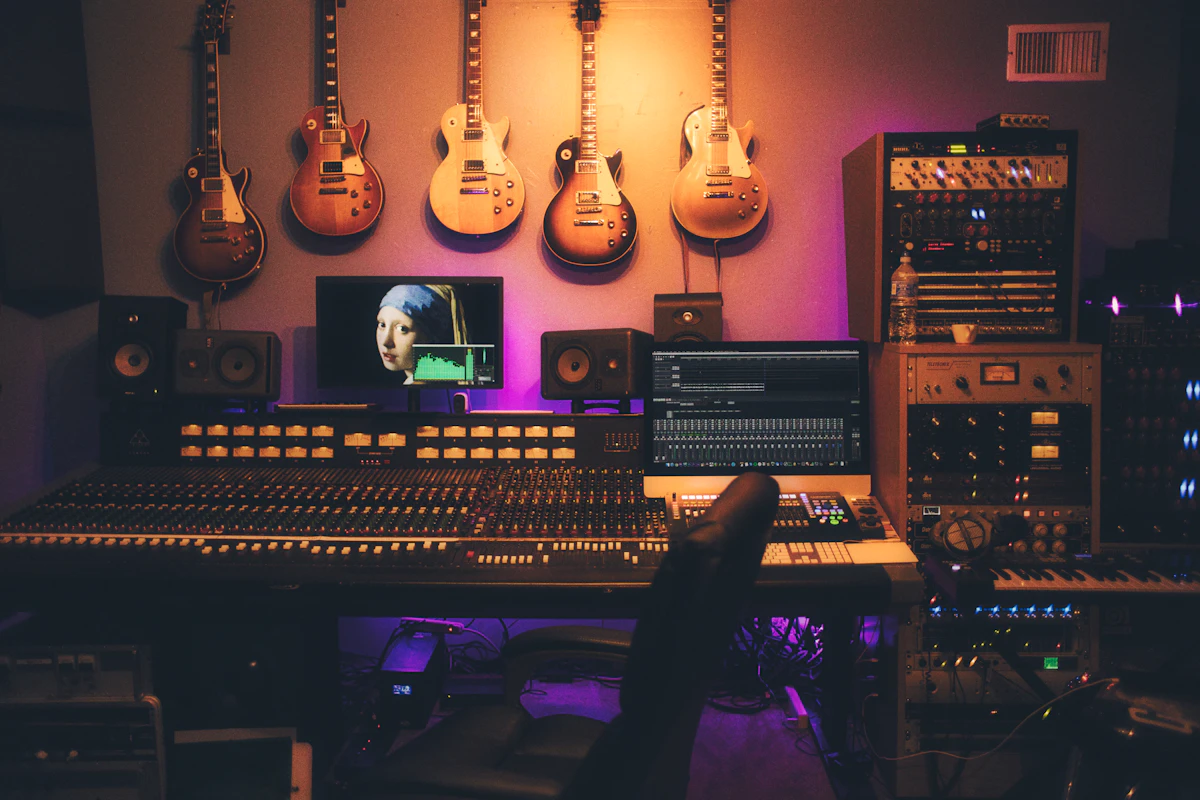
- Analog Processing: Hardware broadcast preamps, optical compressors, and parametric equalizers require balanced analog XLR interconnects.
Reader Comments (0)
Leave a Comment ↓No comments yet on this guide. Join the discussion below!
No registration needed. Share your questions or audio setup tips.Join the Conversation
No registration required. All comments are moderated by administrators before appearing.