
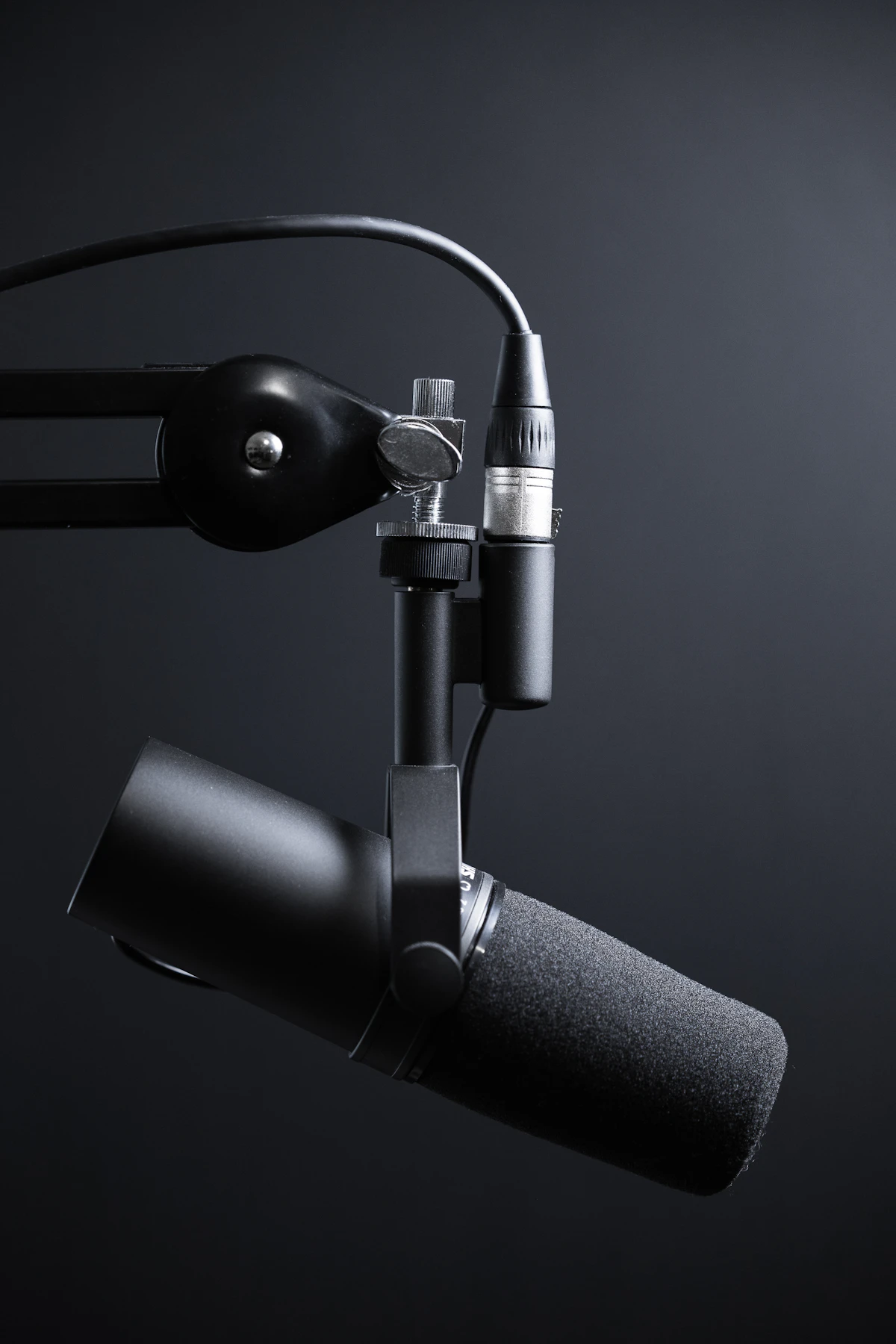
Nearly every studio microphone bundle includes a spider-style shock mount suspended with elastic bands. But if you already own a premium boom arm with rubber-damped joints, do you really need a bulky shock mount cluttering your camera frame?
The Physics of Structural Acoustic Coupling
Sound travels through solids up to 15 times faster than through air. When your hands tap a mechanical keyboard or your chair rolls across floorboards, that kinetic shockwave travels through your desk, up the metal arm, and strikes the microphone capsule directly as a massive sub-50Hz thud.
In our tests using an accelerometer on a standard birch desk:
- Directly Threaded Mic: Keyboard strikes triggered peaks of -18 dBFS at 35Hz.
- Cheap Scissor Boom Arm: Desk bumps rang through the metal springs, sustaining rumble for 400 milliseconds.
- Suspended Shock Mount: Low-frequency transmission was attenuated by a massive 24.6 dB, completely eliminating audible desk bumps.
When Can You Skip a Shock Mount?
Microphones engineered with internal pneumatic shock suspensions (such as the Shure SM7B, Electro-Voice RE20, and Sennheiser e935) have built-in rubberized isolation cages. You can mount these directly to rigid arms without requiring an external spider cage.
Reader Comments (0)
Leave a Comment ↓No comments yet on this guide. Join the discussion below!
No registration needed. Share your questions or audio setup tips.Join the Conversation
No registration required. All comments are moderated by administrators before appearing.