
In 2026, content creators face an intriguing choice: should you rely on software neural network denoisers (like Krisp, Nvidia Broadcast, or OBS RNNoise), or should you invest in microphones and audio interfaces with onboard hardware digital signal processing (DSP)?
The Architecture of Software Neural Audio Suppression
Modern AI noise removal tools run deep neural networks (DNNs) that analyze incoming audio frames in 10-to-20 millisecond slices. By recognizing the mathematical signatures of human vocal formants, the algorithm subtracts non-vocal audio, such as typing clatter, leaf blowers, or air conditioners.
However, AI denoisers come with trade-offs:
- CPU & GPU Overhead: Running transformer models alongside high-framerate 4K gaming can cause frame drops and GPU thermal throttling.
- Phase Smearing & Robotic Artifacts: When speaking quietly or laughing, neural models can misclassify natural vocal decay as background hiss, creating a watery, underwater timbre.
- System Latency: Software buffers often add 15 to 45 milliseconds of round-trip latency to your monitoring chain.
The Advantage of Hardware DSP & FPGA Processing
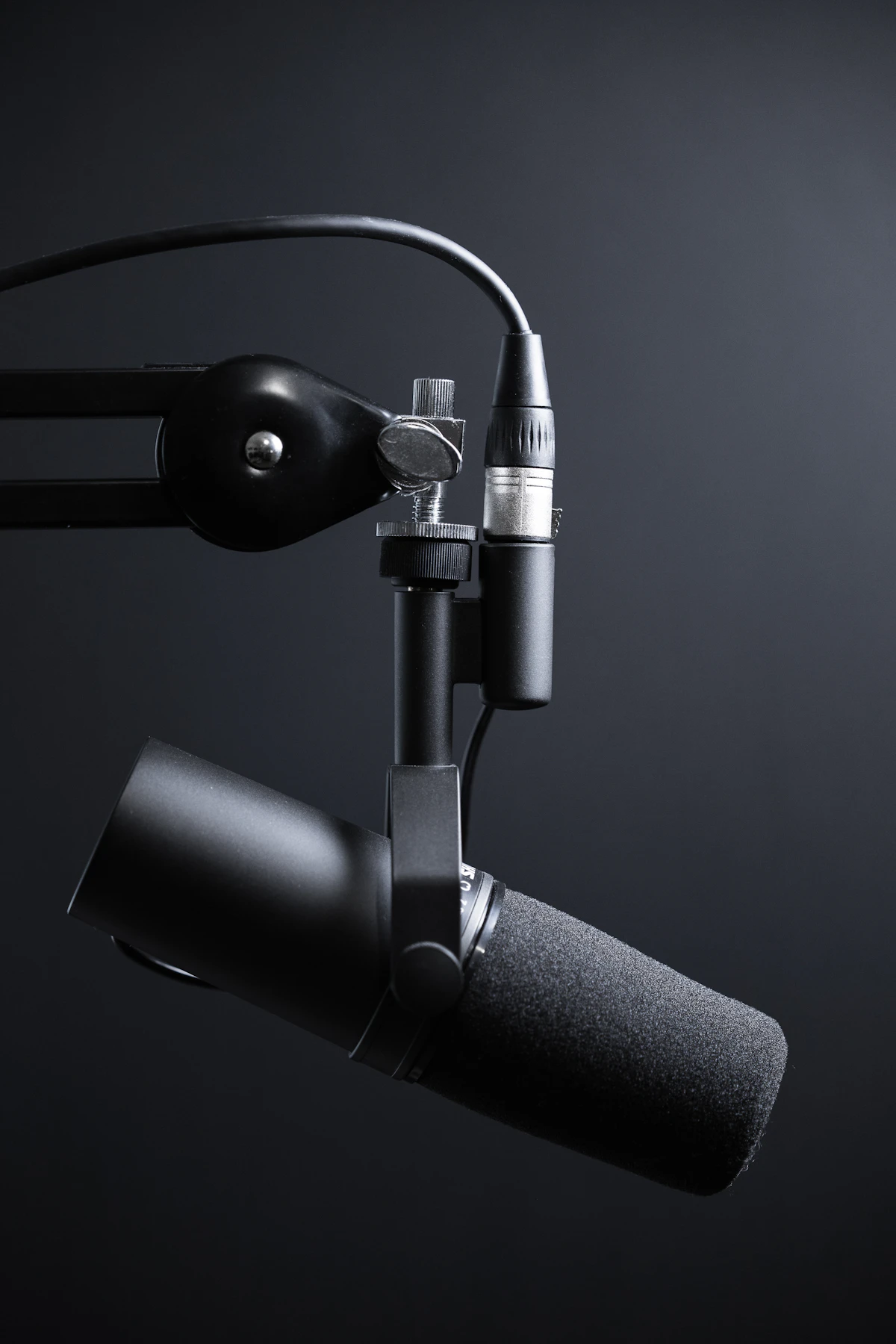
Hardware DSP, featured in microphones like the Shure MV7+ or Elgato Wave:3, executes processing directly on an onboard microcontroller before audio ever reaches your operating system's USB bus.
Because the chip processes audio at the converter level, latency is virtually non-existent (sub-1 millisecond). Furthermore, hardware limiters and analog clip-guard circuits catch volume spikes before analog-to-digital clipping occurs—something no software plugin can fix after the fact.
The Verdict: When to Use Which
For high-intensity esports, competitive streaming, and zero-latency studio monitoring, hardware DSP remains unbeatable. For Zoom calls and meetings in chaotic living environments, software AI models offer unparalleled noise suppression without expensive hardware upgrades.
Reader Comments (0)
Leave a Comment ↓No comments yet on this guide. Join the discussion below!
No registration needed. Share your questions or audio setup tips.Join the Conversation
No registration required. All comments are moderated by administrators before appearing.